Turn Your Data Into Answers
Daymark connects to your existing data and helps you find what you need without technical barriers.
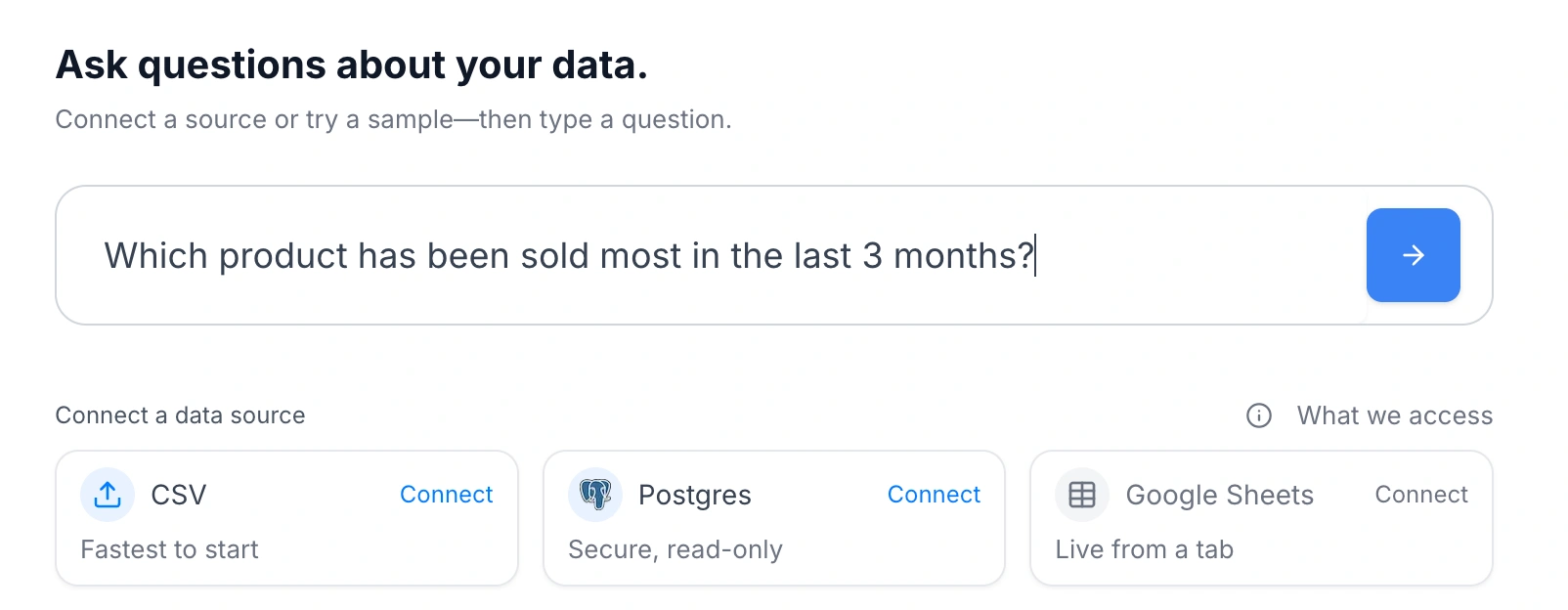
Ask questions naturally
Type your question the way you'd ask a colleague. Daymark understands what you're looking for and find the answer in your data.
See results that matter
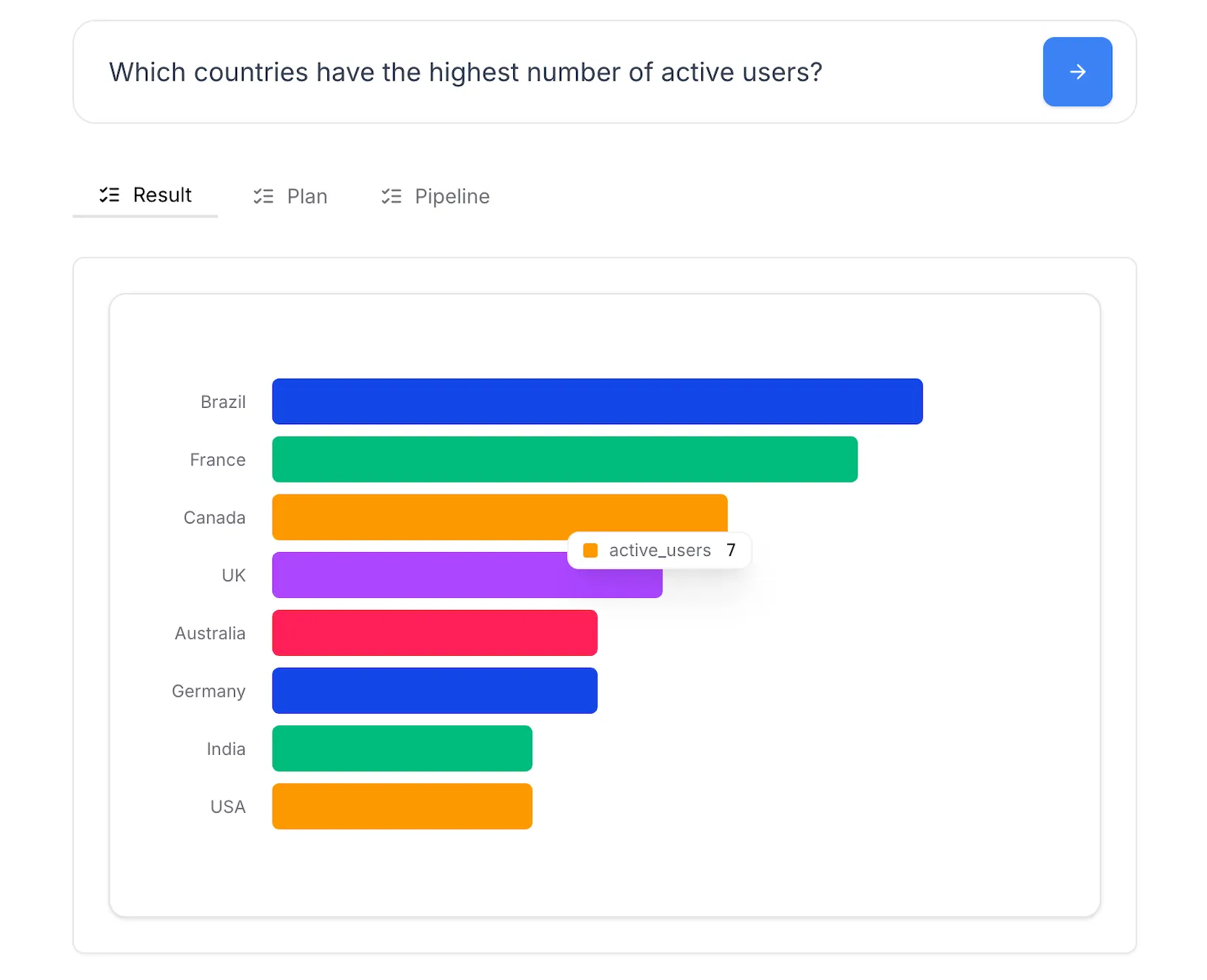
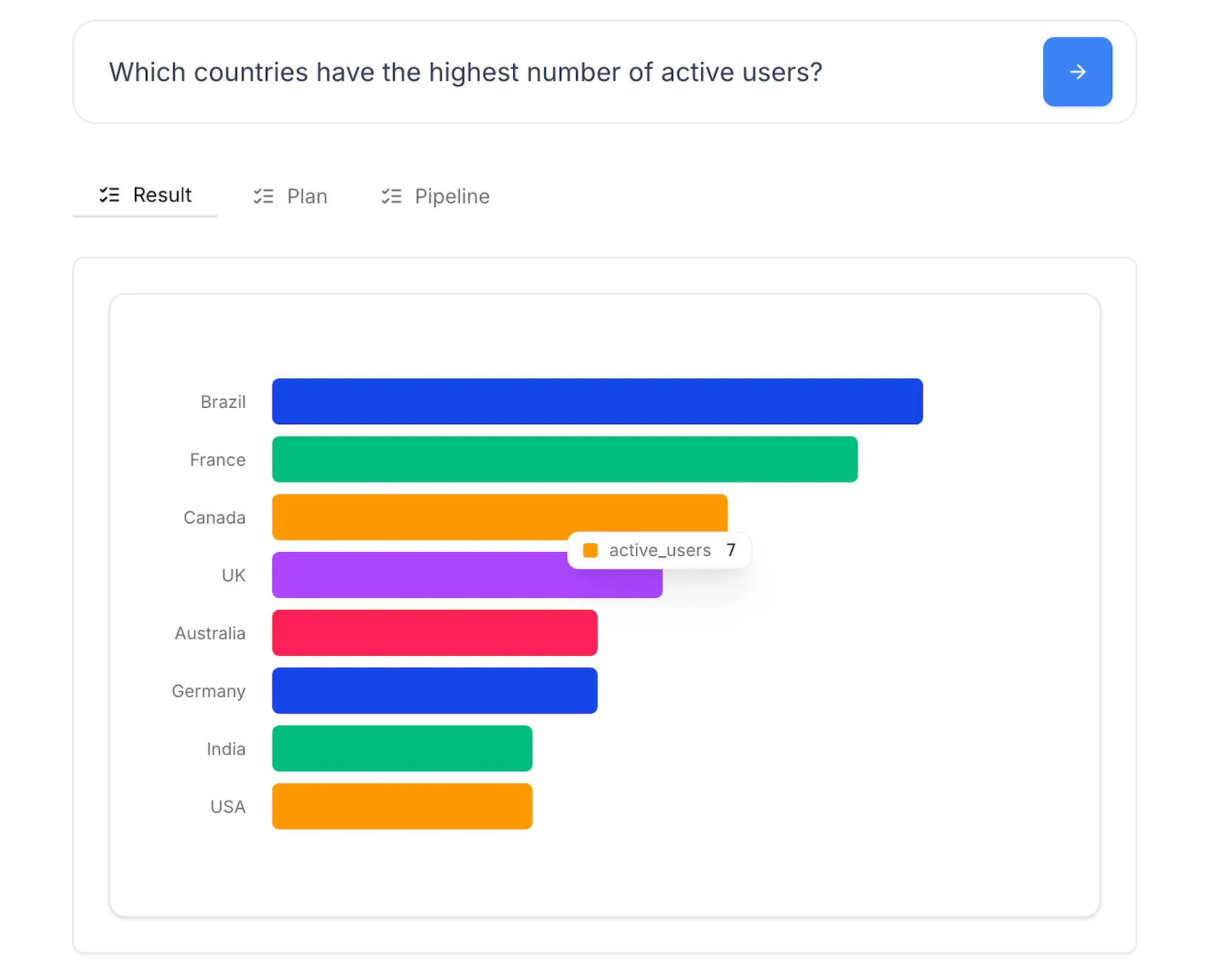
Get charts, tables, and summaries that directly answer your question. No digging through dashboards or waiting for reports.
Visualize your data instantly
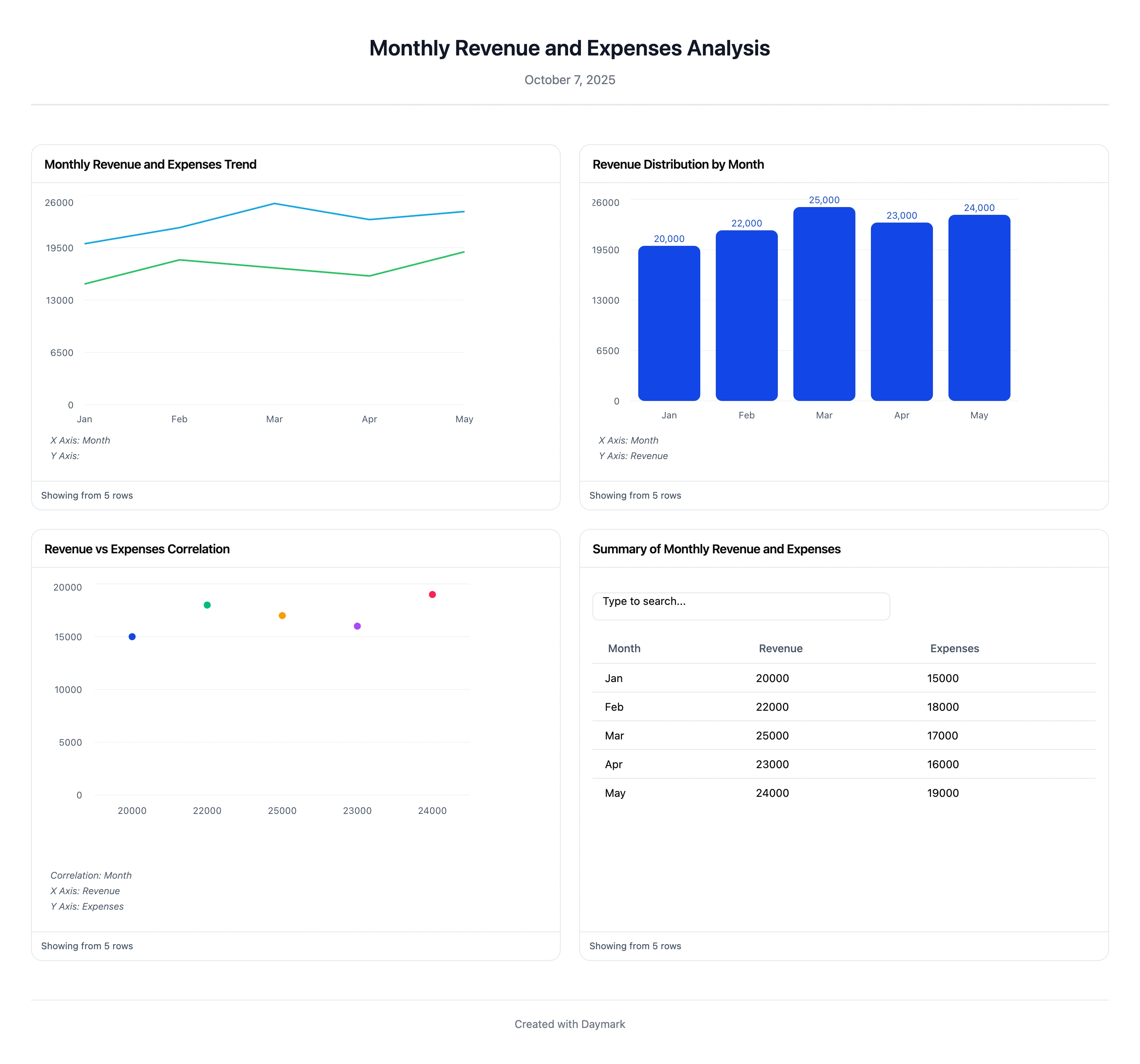
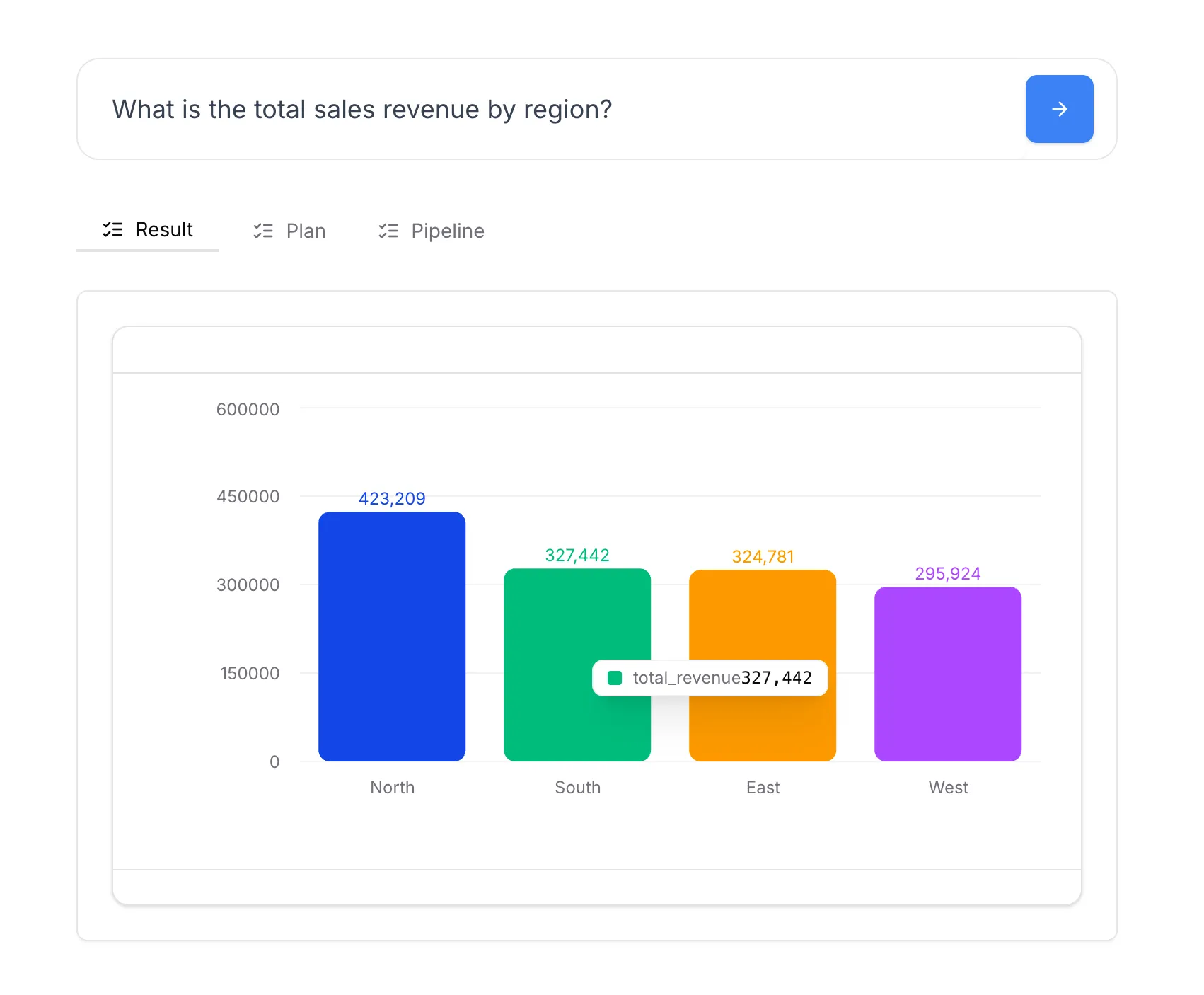
Every answer comes with the right visualization. Bar charts for comparisons, line graphs for trends, tables for detailed breakdowns.
Search all your data at once
Find information across your databases, spreadsheets, and tools. No need to remember where each metric lives.

Save important answers
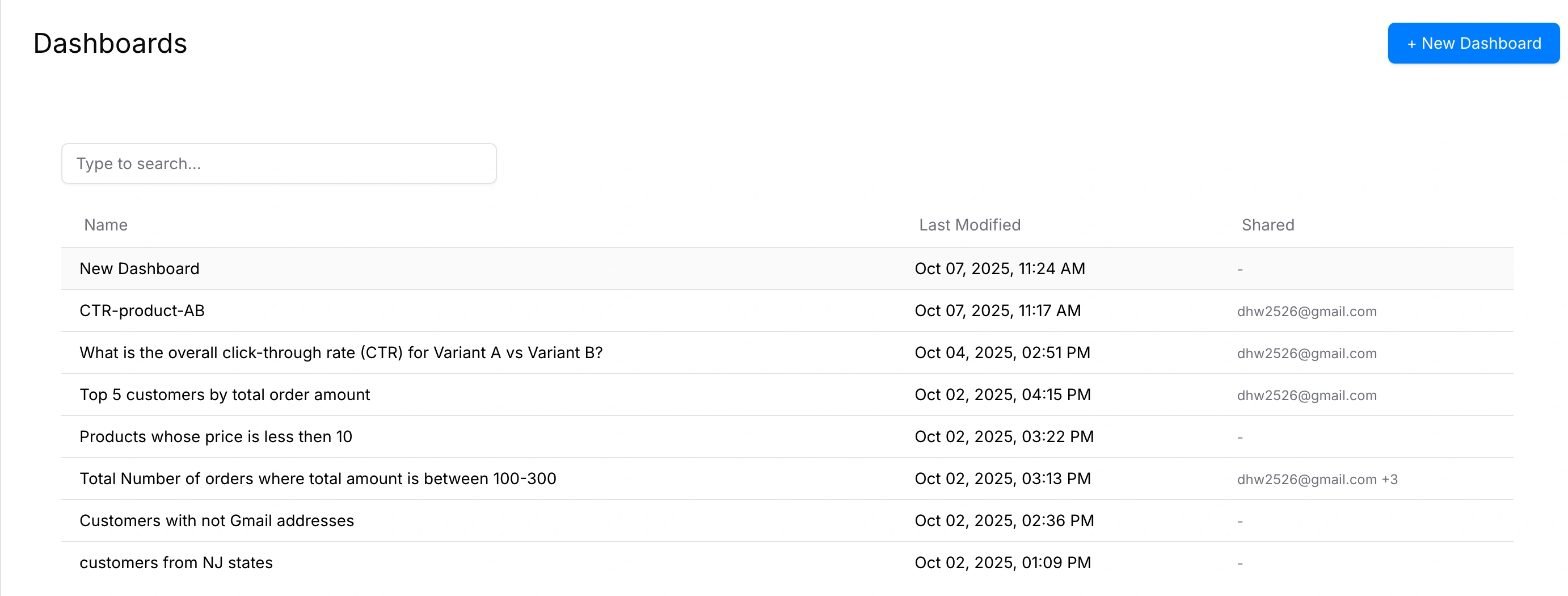
Turn the answers you need regularly into dashboards. Update automatically so your team always sees current data.
Get everyone on the same page
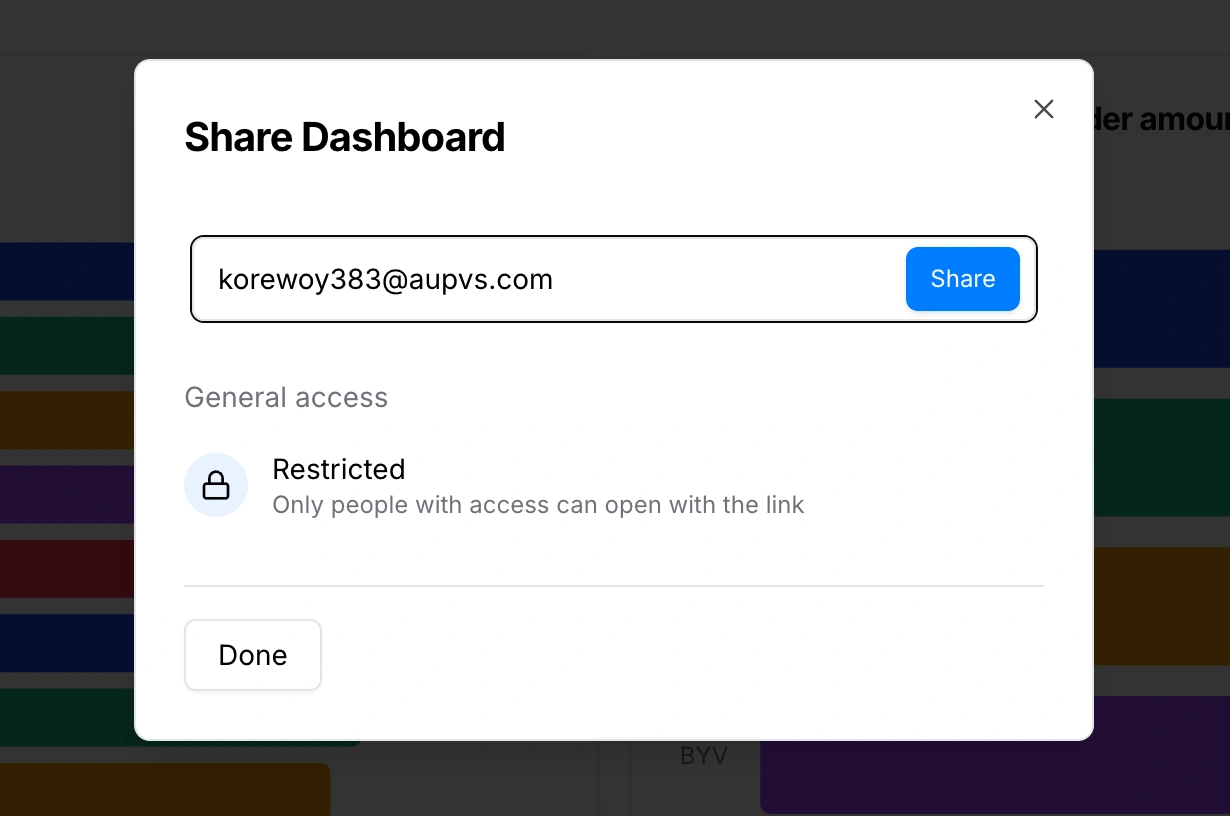
Share insights with teammates who need them. Everyone works from the same data, reducing miscommunication.
Works With the Tools You Already Use
Connect your databases, spreadsheets, and business tools in minutes. No data migration or complex setup required.
 PostgreSQL
 Google Sheets
 HubSpot
 Google Analytics
 Google Ads
 Meta Ads
 Google Search ConsolePostgreSQLGoogle SheetsHubSpotGoogle AnalyticsGoogle AdsMeta AdsGoogle Search Console
Three Simple Steps to Get Answers
No technical setup, no learning curve. Start finding answers the same day you connect your data.
Connect data source
Connect a data source like Google Sheets, PostgreSQL, or CSV.
Ask questions
Ask in plain English and get a chart or table that answers it.
Build dashboards
Save the results to dashboards for ongoing reporting and sharing.
Replace Opinions With Data
When everyone can check the data themselves, meetings focus on solutions instead of debating what the numbers say.
Anyone can analyze data
Team members get answers on their own without needing to ask an analyst.
Work together on findings
Share answers, and dashboards with your team so everyone stays aligned.
Security & AI data safeguards
Keep access read-only and scoped while AI context stays limited to schema metadata.
Security & permissions
Read-only access with least privilege
Daymark integrations use the minimum scopes required and never modify production systems.
- Read-only connectors
- No production writes
- Scoped DB access
AI data policies
Built for safe AI analysis
AI uses only schema metadata for context and never trains on your data, and it cannot modify live or production systems.
- No training on user data
- AI cannot modify live data
- Metadata-only access
Solve your biggest business challenges
From revenue growth to customer retention, get the insights you need to make better decisions.
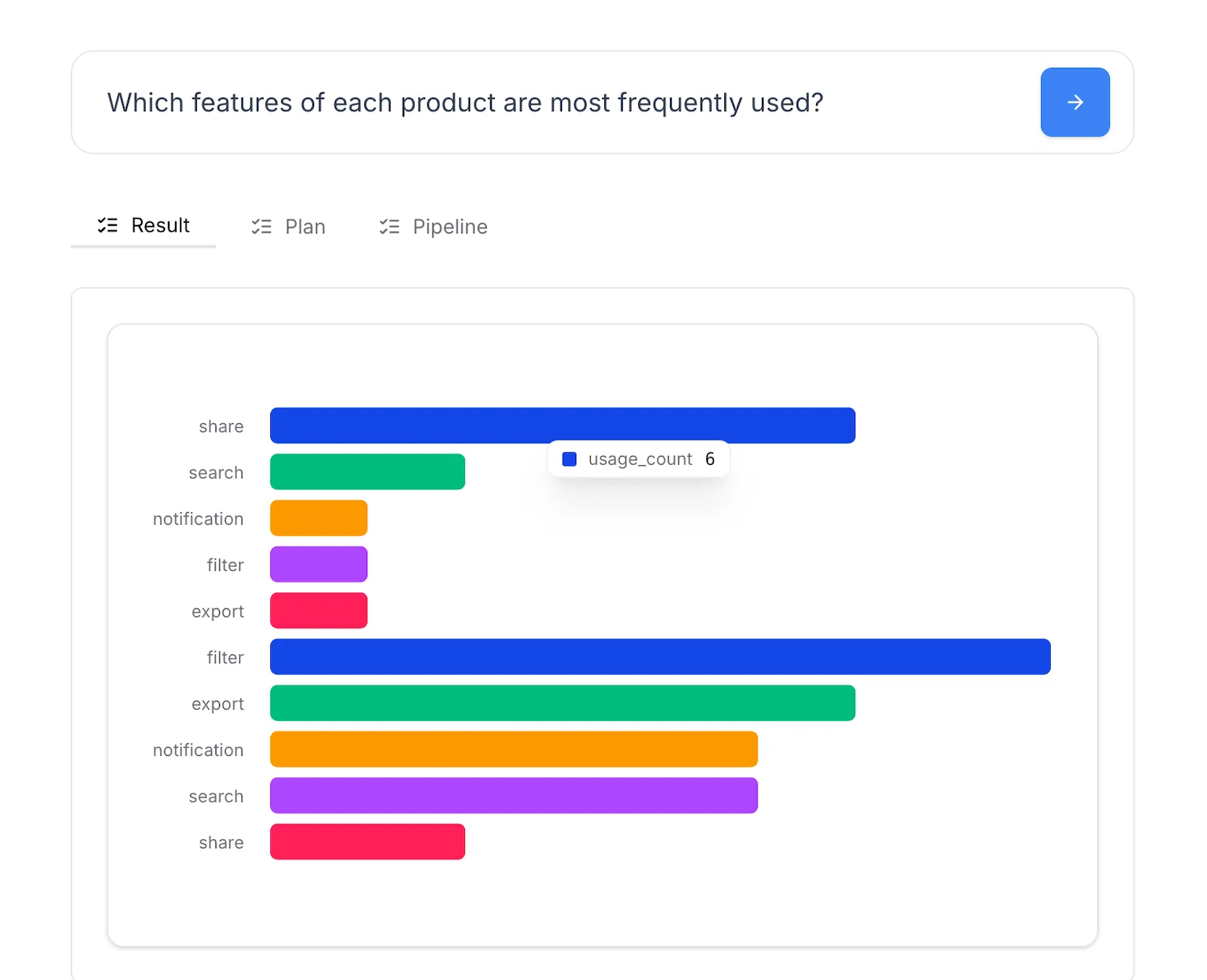
Product Metrics Analysis
Analyze product usage, customer feedback, and feature performance with simple questions and get actionable insights instantly.
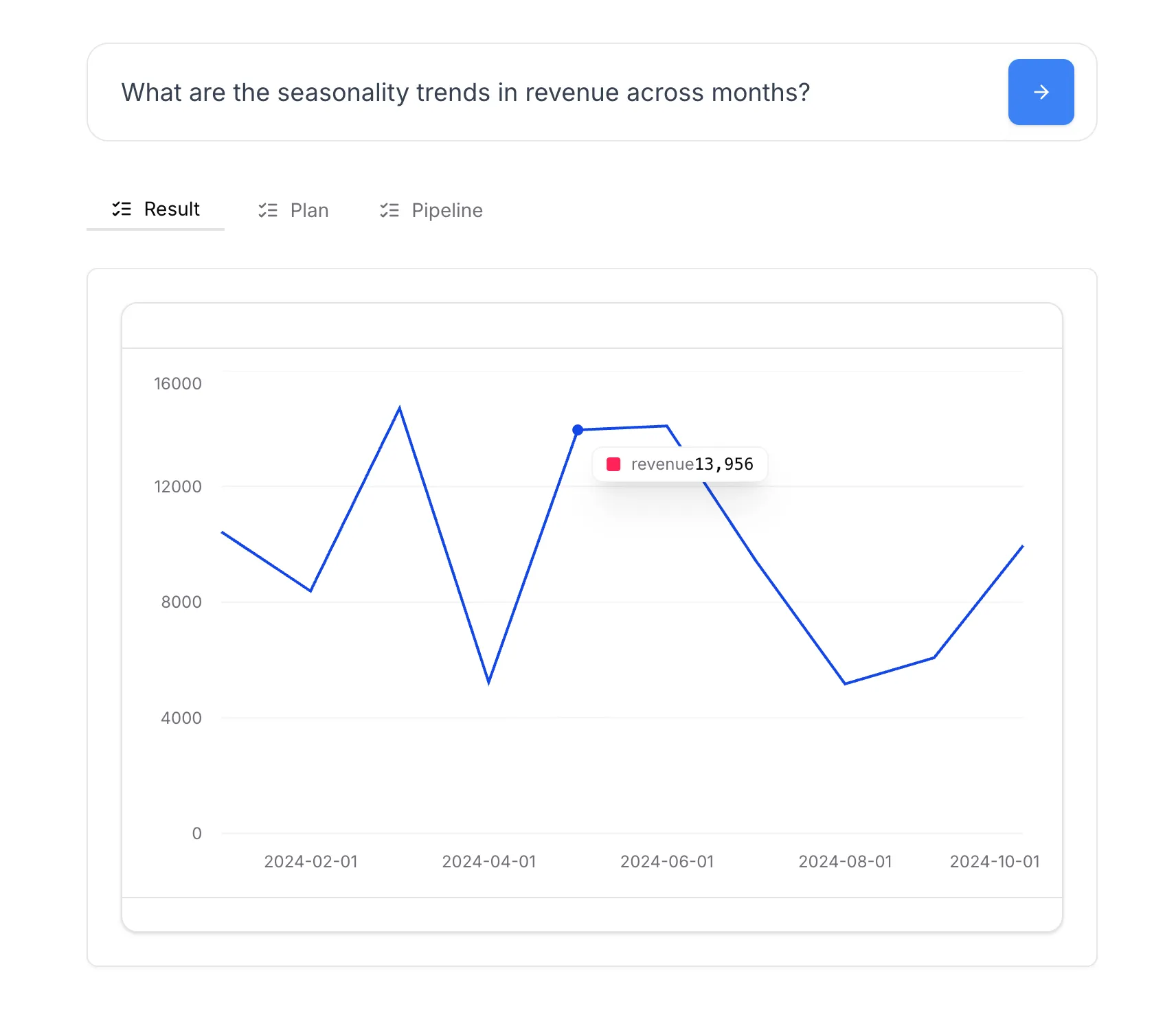
Revenue growth analysis
Track revenue growth over time, channels, customers, products, and regions to make data-driven decisions that accelerate growth.
Conversion optimization analysis
Improve conversion rates by finding drop-offs, testing changes, and understanding behavior to boost ROI.
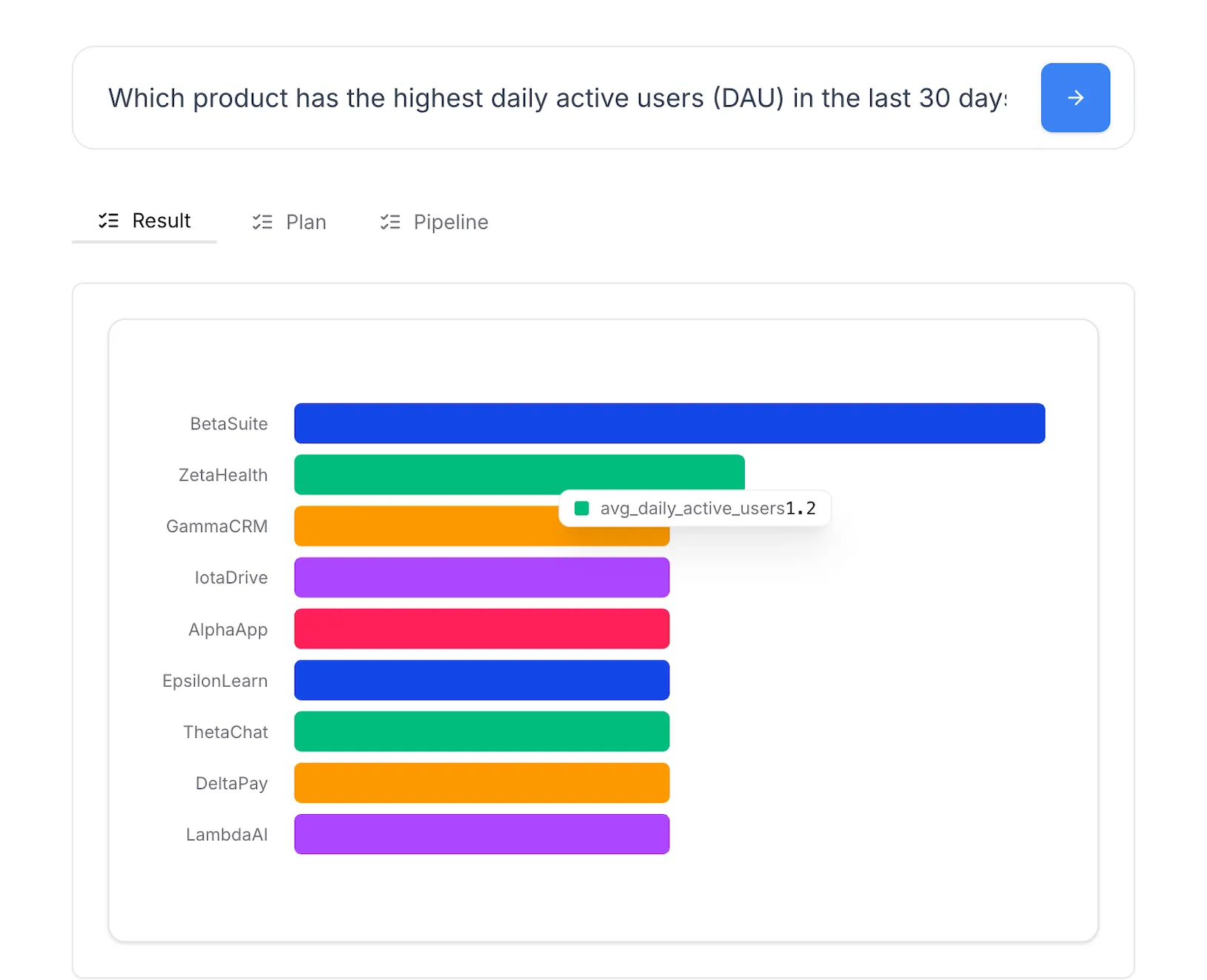
Customer Retention Analysis
Reduce churn and increase loyalty by tracking retention, understanding feature usage, and acting on insights.
Sales Performance Analysis
Track sales performance over time, measure progress to target, and find the levers that grow revenue.
View All Use Cases
Explore all the ways Daymark can help your business
Frequently Asked Questions
What data sources can I connect?
Daymark connects to most SQL databases, data warehouses, spreadsheets, and popular business tools. If you can query it, we can connect to it.
Do I need to know SQL?
No. Daymark lets you ask questions in plain English. The system translates your questions into the right queries automatically.
How long does setup take?
Most teams connect their first data source in under 10 minutes. You can start asking questions as soon as your data is connected.
Who should use this?
Anyone who needs to make decisions based on data - from executives tracking company metrics to product managers analyzing feature usage to sales leaders monitoring pipeline health.